
If you know the Korea tourist SIM recommendation information in advance, you can perfectly start your trip without getting lost right after arriving at the airport.
Hello, I’m Hongdae Andy, who has met numerous foreign clients while working as a fine-line tattoo artist for 10 years.
One of the frequently asked questions in the field by foreign clients or acquaintances coming to my studio is which carrier to use in Korea.
Korea is a country with very good public Wi-Fi, but you absolutely need your smartphone’s independent data to find your way while walking on the streets and make real-time restaurant reservations.
Usually, short-term travelers use physical prepaid SIMs or downloadable eSIMs the most.
When I synthesized and summarized various cases, the optimal choice completely changed depending on your specific travel itinerary and smartphone model.
So today, I will explain in detail step by step the clear communication selection criteria that will save your time and money.
Table of Contents
- Korea tourist SIM recommendation: Why fast data is essential
- Which one is right for me between SIM and eSIM
- Characteristics of 3 carriers available for pickup at Incheon Airport
- The most cost-effective setup I recommend based on my standard
- Precautions to definitely check before activation
Korea tourist SIM recommendation: Why fast data is essential
The first thing to deeply consider among Korea tourist SIM recommendations is the real-time speed and stability of data.
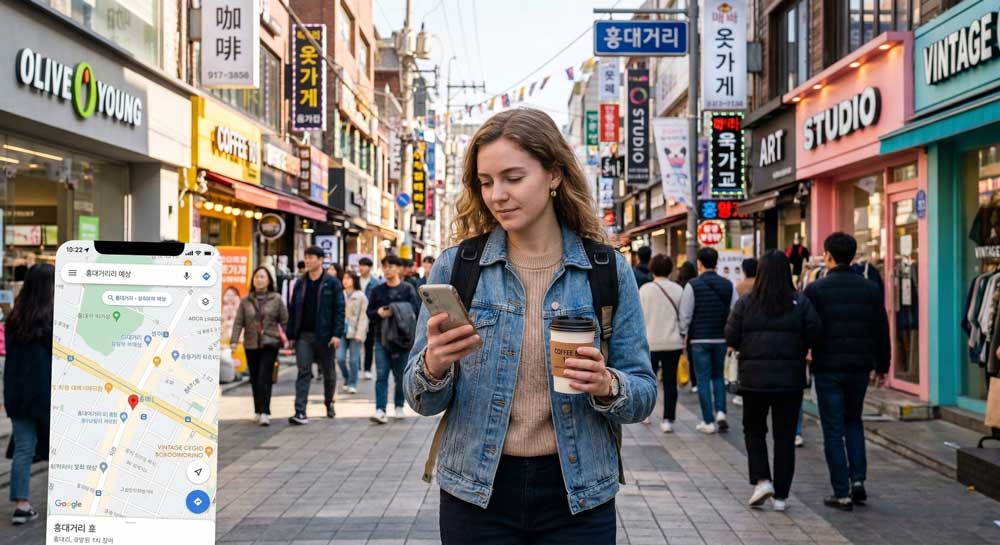
Many foreign tourists turn on Google Map and come to Korea, but unfortunately, Google Map’s walking directions feature does not work properly in Korea due to security reasons.
Therefore, due to the nature of Korea where you have to download and use Kakao Map or Naver Map, seamless real-time location checking greatly determines the quality of the entire trip.
Access to the local communication network is also essential when immediately looking for complex Seoul subway transfer information or getting a waiting ticket for a famous restaurant.
Through the table below, you can intuitively check why you need Korea-specific data and a number rather than general roaming.
| Category | Usability in Korea | Required Communication |
| Kakao/Naver Map | Very high (Real-time navigation) | Stable 4G/5G data |
| Restaurant Waiting | High (For kiosk registration) | Receivable local 010 number |
| Taxi Call (Kakao T) | Very high (Dispatch and payment) | Data and verification SMS reception |
Which one is right for me between SIM and eSIM
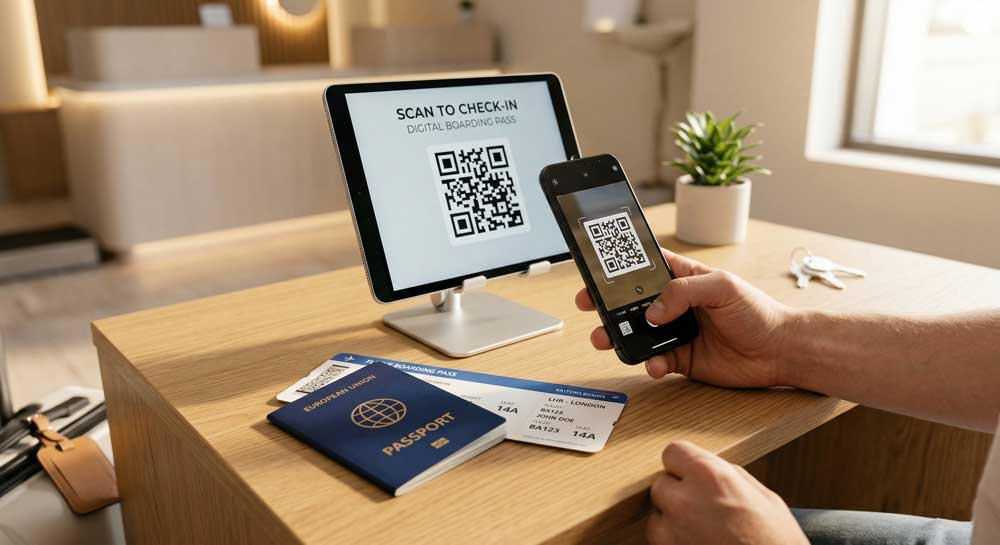
Recently, among short-term travelers, eSIM, which does not require the hard replacement of existing physical SIM chips at all, is gaining huge popularity.
In my standard, if you are using a supported device such as iPhone 11 or higher or the latest Galaxy flagship, I think eSIM is overwhelmingly convenient.
Since you don’t have to remove your original home country SIM, you can check important text messages or calls coming to your original number, and there is no worry about losing the SIM chip.
However, in a special situation where a local Korean phone number (number starting with 010) is absolutely necessary, choosing a regular prepaid SIM can be much more advantageous.
Usually, it is strongly recommended to clearly check whether your phone supports eSIM technology in hardware first before deciding to purchase.
My smartphone eSIM support check checklist:
- Open the phone dial screen and press *#06#.
- Check if a long number called ‘EID’ is displayed on the device information screen.
- Check with your home country carrier if the carrier restriction (Country Lock) is completely unlocked.
Characteristics of 3 carriers available for pickup at Incheon Airport
Korea’s three major representative carriers are KT, SKT, and LG U+, and their nationwide data quality and speed are all excellent at the world’s best level.
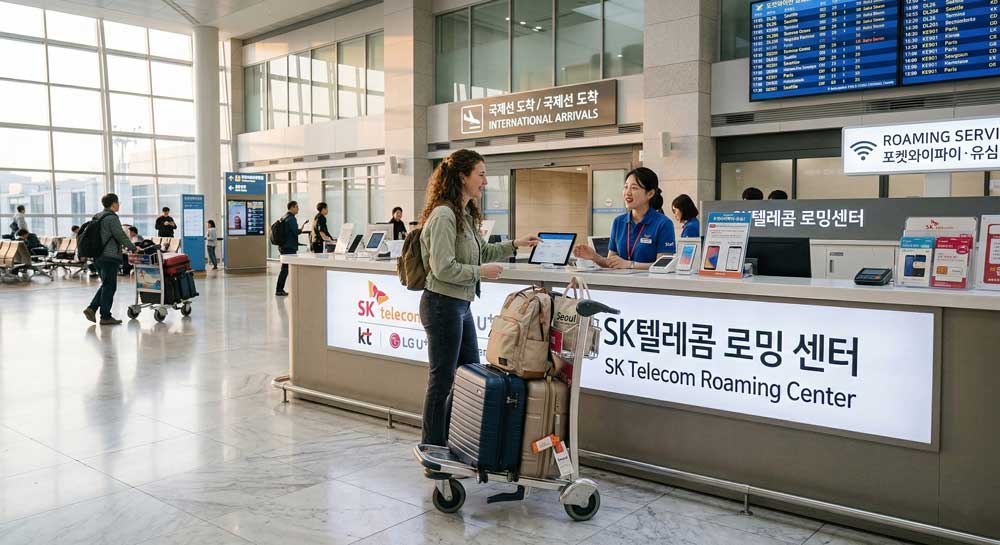
At the arrival halls of Incheon Airport Terminal 1 and Terminal 2, official roaming centers for these three places are always operated 24 hours or until late at night.
It is very convenient as you can reserve online in advance through Klook or official websites before departure, and once you arrive at the airport and show your passport, the staff will set it up for you right away.
Unlimited data plans are diversified and subdivided from 1-day passes to 30-day passes to fit the traveler’s schedule, so you can choose economically according to your stay period.
The most cost-effective setup I recommend based on my standard
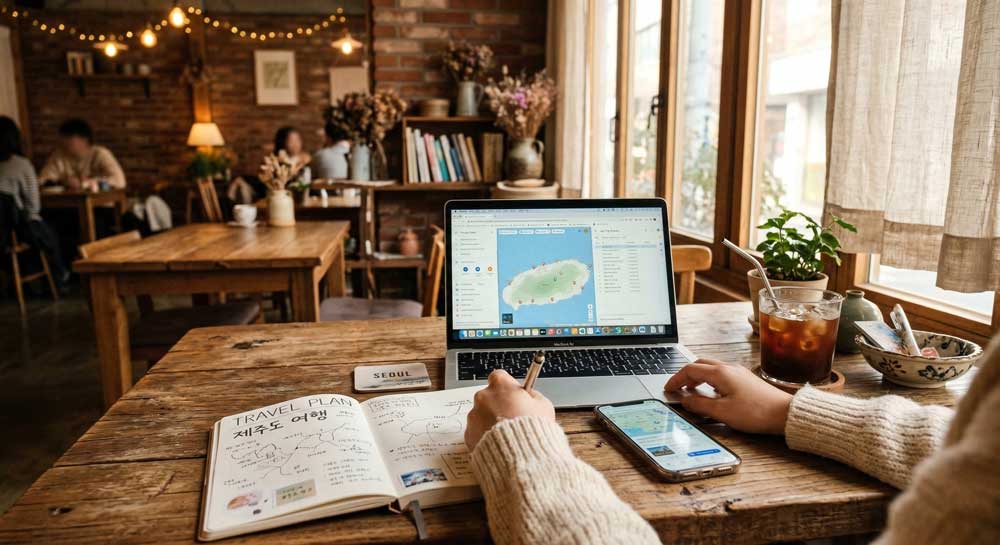
If it is a short and casual Seoul-centric trip within a week, purchasing a cheap data-only eSIM is by far the most efficient in terms of cost and time management.
However, a question frequently asked by clients in the field is exactly how on earth they can wait in line at famous restaurants in Seongsu-dong or Hongdae.
Restaurants in Korea usually use the ‘Catchtable’ app or on-site tablet kiosks, and at this time, they really often require a Korean 010 phone number essentially.
Therefore, if a trendy cafe or gourmet tour is the main purpose of this trip, I strongly recommend a prepaid SIM that includes a receivable 010 number by default.
Cost-effective setup step-by-step guide:
- First, check my phone’s eSIM support and the unlock (Country Lock) status that prevents using overseas SIMs.
- If the travel purpose is ‘waiting for popular restaurants’, reserve an airport pickup SIM that provides a number.
- If the main purpose is simple attraction navigation and KakaoTalk contact, buy the cheapest unlimited data eSIM from a website.
- Before boarding the flight, scan the eSIM QR in the home country’s Wi-Fi environment to put it in an activation standby state in advance.
Precautions to definitely check before activation
When recommending Korea tourist SIMs, my personally most regretful case is when I see cases of acquaintances who are flustered because they cannot use the local SIM at all due to their phones being locked.
Smartphones purchased with a long-term contract with a specific carrier in the US or some European countries may be locked to prevent recognizing SIMs from other countries.
Therefore, you must contact your local carrier’s customer service center before departure and clearly request an unlock for overseas travel.
FAQ
Q: Is the internet speed slower than a physical SIM if I use an eSIM in Korea?
A: There is no speed difference at all as it uses exactly the same major local 4G/5G network as the physical SIM.
Q: Is my reserved credit card strictly required when picking up a prepaid SIM at the airport?
A: Usually, you can pick it up right away just by checking your ID for identity verification (physical passport) and the reservation barcode details in your mobile phone.
Q: Can I not make restaurant reservations at all if I don’t have a local Korean phone number?
A: Some restaurants accept reservations via email or Instagram DM, but on-site waiting for famous restaurants often strictly requires mechanical number input.
Q: Does the unlimited data plan purchased at the airport support hotspot (tethering) sharing with a laptop?
A: The network itself mostly supports it, but the daily tethering data limit may differ for each sold product, so you must definitely check the option when purchasing.
Finally, before boarding the flight to Korea, please make sure to double-check the finishing of your smartphone communication settings along with your important passport!