
Korea is one of the most digitalized countries in the world. Ironically, however, global standards like Google Maps or Uber often underperform in Korea due to local regulations and specialized ecosystems. As of 2026, to properly enjoy Korea’s streets and restaurants, you absolutely need apps optimized for the Korean environment. As ‘Andy,’ who has been helping foreign clients navigate Hongdae for 10 years, I have carefully selected 5 apps that must be installed on your smartphone before you arrive.
- The King of Navigation: Naver Map
- Breaking the Language Barrier: Papago
- Freedom of Movement: Kakao T
- Essential for Foodies: Catch Table
- Revolution in Payment and Exchange: WOWPASS
1. The King of Navigation: Naver Map
You might be flustered if you open Google Maps upon arriving in Korea. Due to security regulations, Google Maps’ walking directions do not function properly in Korea. Instead, use ‘Naver Map.’ As of 2026, Naver Map supports full English services and provides not only real-time subway arrival times but also the exact location of stairs closest to each exit.

In my opinion, I highly recommend actively using the ‘Street View’ feature of Naver Map. In areas like Hongdae or Seongsu-dong, which have many complex alleys, checking the building’s exterior in advance significantly reduces the chance of getting lost. It’s also essential for those using wheelchairs or strollers, as you can even check the ‘low-floor bus’ indication behind bus numbers.
2. Breaking the Language Barrier: Papago
Korean is a language where nuance is extremely important. While Google Translate is excellent, Naver’s ‘Papago’ is much more natural and accurate when it comes to Korean translation. In particular, Papago’s image translation (OCR) feature shines when translating menus, which is one of the “frequently asked questions in the field.” Even hand-written menus written vertically are not intimidating with Papago.
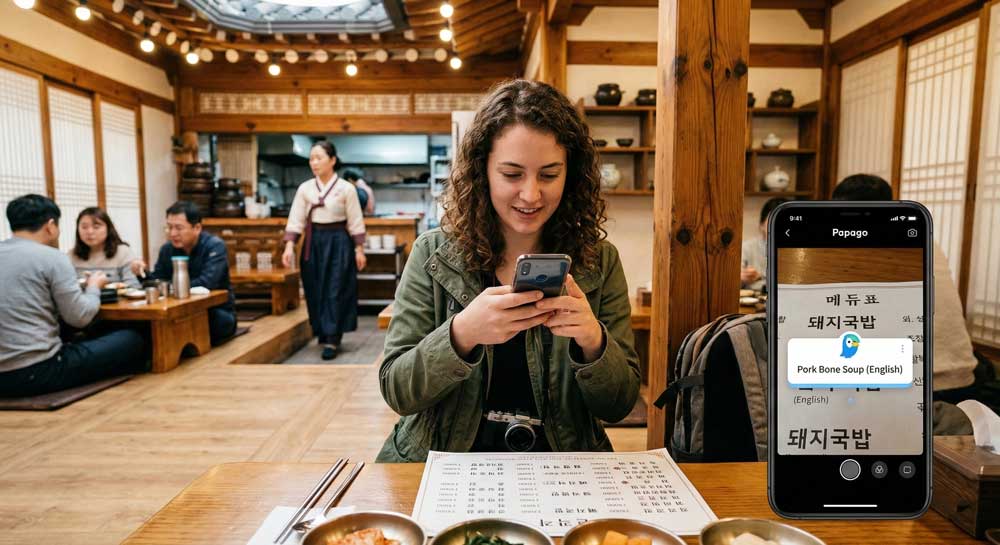
Papago has an ‘Honorifics’ setting. Turning this on when talking to Koreans ensures the translation uses polite sentences, leaving a better impression on locals. One more tip from Andy: download the offline translation pack in advance. This way, you won’t be flustered in deep subway stations or areas with unstable data.
3. Freedom of Movement: Kakao T
Uber exists in Korea, but most taxis actually running on the road are dispatched through ‘Kakao T.’ In 2026, Kakao T has made it very easy to register foreigner-specific payment methods, and you can set your destination and even pay automatically within the app without having to speak directly to the driver. You no longer have to struggle to hail a taxi by waving your hand on the street.
Comparison of Key Features and Characteristics by App
| App Name | Primary Use | Key Advantages | Language Support |
| Naver Map | Navigation | Most accurate real-time data | ENG, CHN, JPN |
| Papago | Translation | Optimized for Korean context | Multiple languages |
| Kakao T | Taxi Hailing | Overwhelming number of taxis | English supported |
| Catch Table | Dining Booking | Prevents waiting at hot spots | Global version available |
| WOWPASS | Payment/Exchange | All-in-one prepaid card link | ENG & Multi |
4. Essential for Foodies: Catch Table
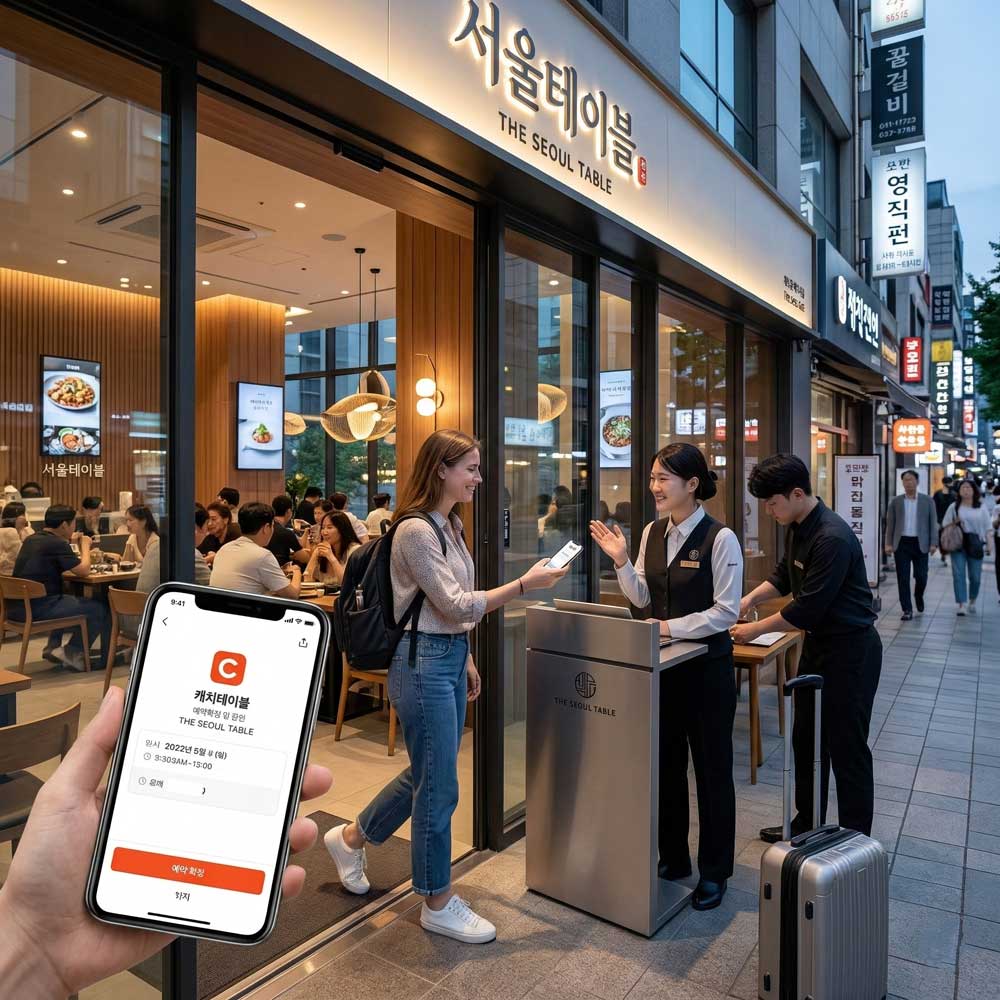
Generally, famous restaurants or ‘hot spots’ in Seongsu-dong or Apgujeong are impossible to enter without a reservation or require waiting in line for hours. ‘Catch Table’ is the app that solves this. In 2026, the global version for foreigners has been strengthened, allowing registration with international phone numbers, real-time checking of waiting numbers, and remote queuing.
5. Revolution in Payment and Exchange: WOWPASS
Lastly, ‘WOWPASS’ will end your payment worries during your Korea trip. Korea has an overwhelmingly higher rate of card usage than cash. WOWPASS is a prepaid card linked to an app; you can deposit foreign currency directly at kiosks located in major subway stations and top up in KRW. The topped-up amount can be used anywhere like a regular credit card, and you can check your balance and usage history in real-time through the app, making it excellent for budget management.
Korea Travel App Installation and Setup Checklist
- Install before arrival: Download the 5 apps above before arriving in Korea.
- Language setting: After running the apps, change the language to ‘English’ in the Settings menu.
- Register payment methods: Registering cards for Kakao T and Catch Table in advance is convenient on-site.
- Download offline packs: Pre-download offline data for Papago and Naver Map.
If you make good use of Korea’s smart digital system, your trip will be much more pleasant and safe. Once you’ve perfectly set up your digital tools, start planning your trip in earnest with the ‘First-time Seoul 7-day itinerary.’
Frequently Asked Questions (FAQ)
Q1: Is Google Maps completely unusable in Korea?
A1: You can search for places, but walking routes and real-time public transit info are often inaccurate or missing, so Naver Map is recommended.
Q2: Do I absolutely need a Korean phone number to use Kakao T?
A2: As of 2026, you can register and use the app with an international phone number through a dedicated registration process for foreigners.
Q3: How accurate is Papago translation?
A3: Everyday conversations and menu translations are nearly perfect, and it captures the unique nuances of Korean honorifics the best.
Q4: Where can I get a WOWPASS card?
A4: You can get one in just a minute at the orange kiosks located in Incheon Airport, major subway stations (Hongdae, Myeong-dong, Gangnam, etc.), and hotel lobbies.
Q5: Can foreigners use delivery apps too?
A5: Apps like ‘Baedal Minjok’ may have tricky payment authentication, but using apps like ‘Shuttle,’ which recently supported foreigner-specific payments, is convenient.
Turn on your smartphone right now, install these apps, and prepare for a stress-free trip to Korea!